
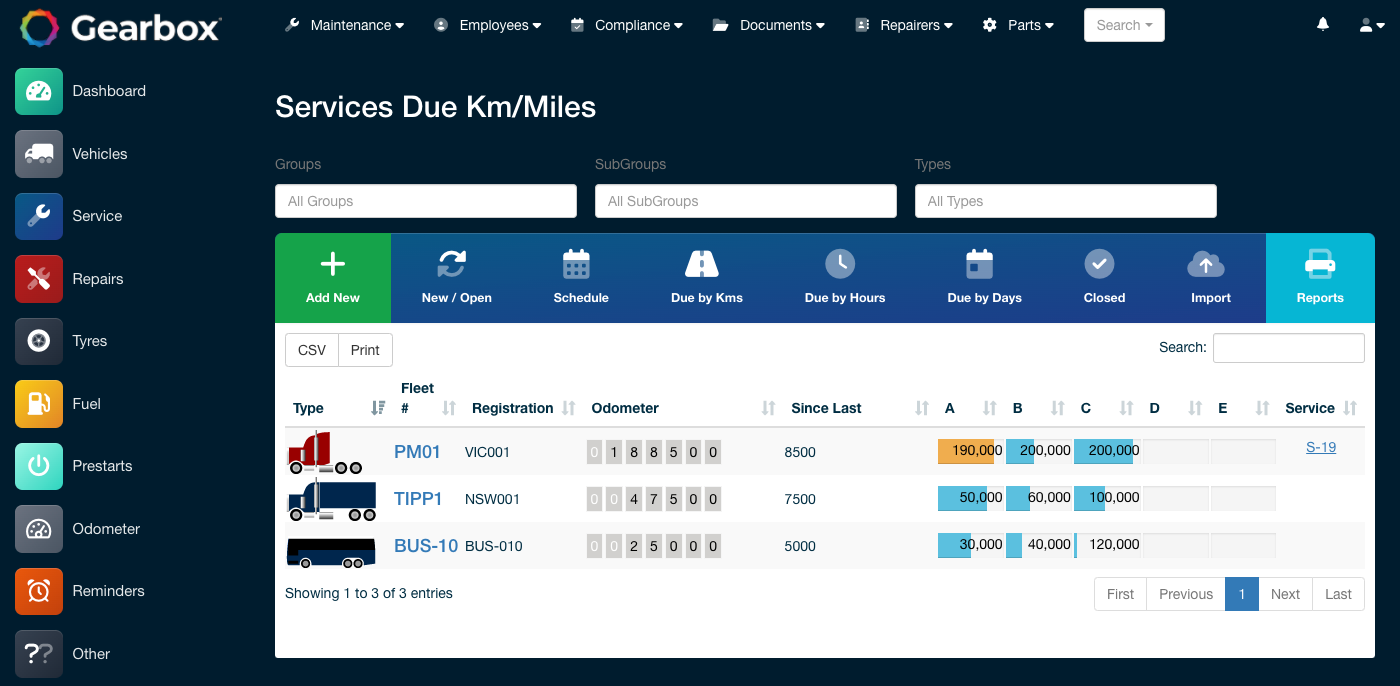
One machine might run 300 hours in a month. Another might run 40. A date-based service schedule treats them the same, even though they have done very different amounts of work. Gearbox lets you schedule maintenance based on miles, hours, days or a combination of the three, so each asset is serviced when it actually needs it.
Set service intervals based on miles, hours, days or any combination. Choose how much warning you want for each asset, and Gearbox alerts your team as services approach. Odometer and hour readings can come directly from your telematics, so maintenance schedules reflect actual asset usage rather than relying on estimates.
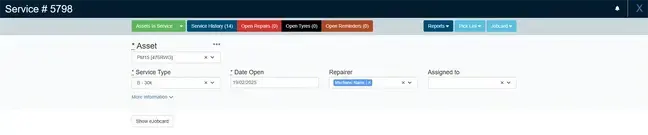
Turn scheduled services, repairs and tire work into work orders, with the asset history and outstanding work already attached. Work orders can be printed, emailed or completed on screen, whether the work is carried out in-house or by an external repairer.
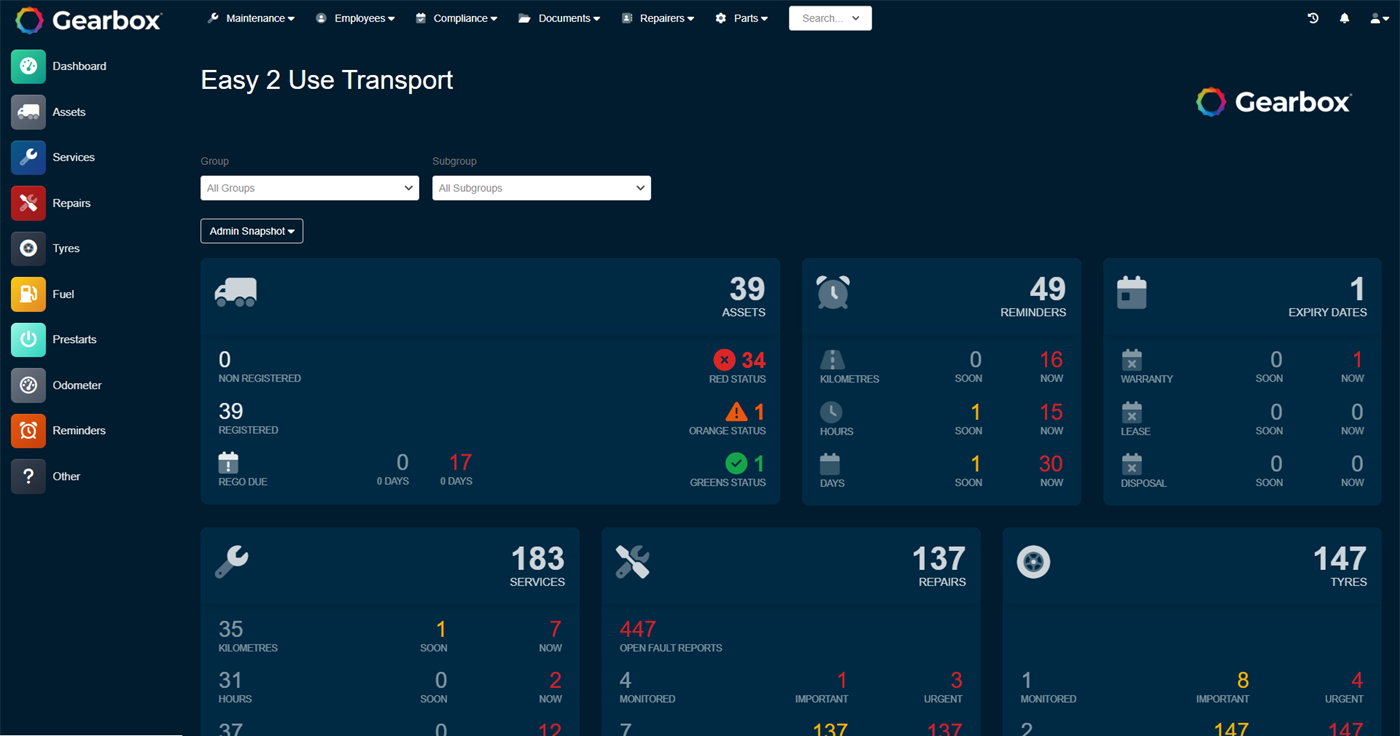
See the current status of every asset at a glance, including services due, faults, repairs, registration and inspection expiries. A daily email gives your team a snapshot of what is coming due, while faults, prestarts and other issues can come through as they happen.
Connect parts and labor to individual assets and work orders, giving you a clearer view of maintenance costs across your fleet. Compare asset performance, identify trends and understand where maintenance activity is affecting fleet efficiency.
Record parts and labor against work orders so you can understand the cost of maintaining individual assets.
See the complete maintenance history for every asset, helping your team make better decisions about upcoming work, warranties and repairs.
Share recent maintenance history with contractors and external repairers, then keep the completed work on the asset record.
Use the service calendar to plan upcoming work and see the workload across your maintenance team before it reaches the floor.
Manage vehicles, trailers, equipment and other assets in the same system, without separate spreadsheets for different locations.
Gearbox integrates with telematics and accounting systems, so information can flow between the systems you already use.
See how Gearbox handles the day-to-day details of fleet maintenance, with practical guides to each feature.
A vehicle can be serviced by kilometres, hours or days, or a combination of all three, such as a 10,000 km, 250 hour, 30 day service. Gearbox alerts for whichever occurs first. On the maintenance dashboard, orange is the total due soon and red is the total due now, and clicking either number opens the list behind it.
Read the guideOne overall status per vehicle, built from its date, kilometre and hour based alerts. Red if any alert is red, orange if any is orange, green when everything is clear, and grey for an asset that is newly added or sold. The dashboard counts vehicles by colour so the fleet's state is one glance.
Read the guideThe repairs module tracks a job from the initial fault report through parts allocation, labour logging and final approval. Pick the asset, set the repair type, and work through the tabs, so the whole job lives on one record.
Read the guideTyres have a dedicated work order tool, so tyre work is scheduled and completed like any other job and tyre costs land accurately against each asset in the running costs report.
Read the guideThe odometer view shows the latest and highest readings for every asset side by side, and compares what came in from GPS, prestarts, fuel and services. That makes a vehicle that has quietly stopped reporting, or a mis-keyed reading, easy to spot and correct.
Read the guideA daily email gives every user a high level overview of what needs attention, without logging in. The counters in the email are clickable and link straight to the records in Gearbox, and each user sets their own frequency.
Read the guideStart a free trial, or book a walkthrough with our team and we will set up a proof of concept using your own assets.